Text Editors
What is a text editor anyway?
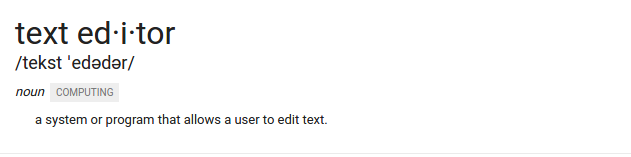
Thanks, Google!
Really, though, it's where you are going to be typing al of your code or markup. It's a lot like a word processor like Microsoft Word, but instead of the focus being on format and printing, a text editor is solely focused on presenting text to be edited. Computers don't need fancy italics to understand the instructions.
Installation
If you are having trouble installing the editors through their usual install page, follow these instructions:
Let's walk through the basics of using the editors.
Using a Text Editor
-
The first thing you do is make the folder that you want to work in via the terminal commands covered in the last lesson or through a file explorer.
-
Next, within the toolbar's file menu, select, "Open Folder". Select the folder you've just created.
-
If there are already files in the folder, they will appear in the side bar.
-
To make a new file, you can right click the folder in the sidebar and select 'New File'.
-
To make a new folder, you can right click the main foler in the sidebar, and select "New Folder"
-
While focued on a text document you are editing, the usual keyboard shortcuts work:
ctrl/cmd + sto save,ctrl/cmd + fto find,ctrl/cmd + shift+ sto save as, etc. -
Opening an HTML File:
- If you have a pure HTML file, you can right-click within the body of the file and select "Open in Browser" to view the page in a browser.
- If you make changes, refresh the browser to see the updated version.
Set up Sublime Text command line commands
This step is optional.
You may have found it weird that we went through all of the trouble of learning how to navigate our computers without file explorers only to still navigate with the explorers to open folders in our text editors. If only somehow we could open out editors straight from our terminals...

...you totally can!
Now, instead of going through the file menu, navigate in your teminal to the directory that you would like to open in your text editor, then run the command:
- Sublime:
$ subl .
What's going on there? You're telling your computer to find the program indicated by the first word. Then with that program open the file(s) indicated by the second word. In this case, the . (dot) indicates the current working directory of the terminal.
If you wanted to open a single file, you could type:
- Sublime:
$ subl index.html
Did those command not work?
Welcome to the jungle. You've hit one of your first trials by fire of web development.
Check out these links for help:
Remember this step is optional, so don't get bogged down here.
Check out the videos next →